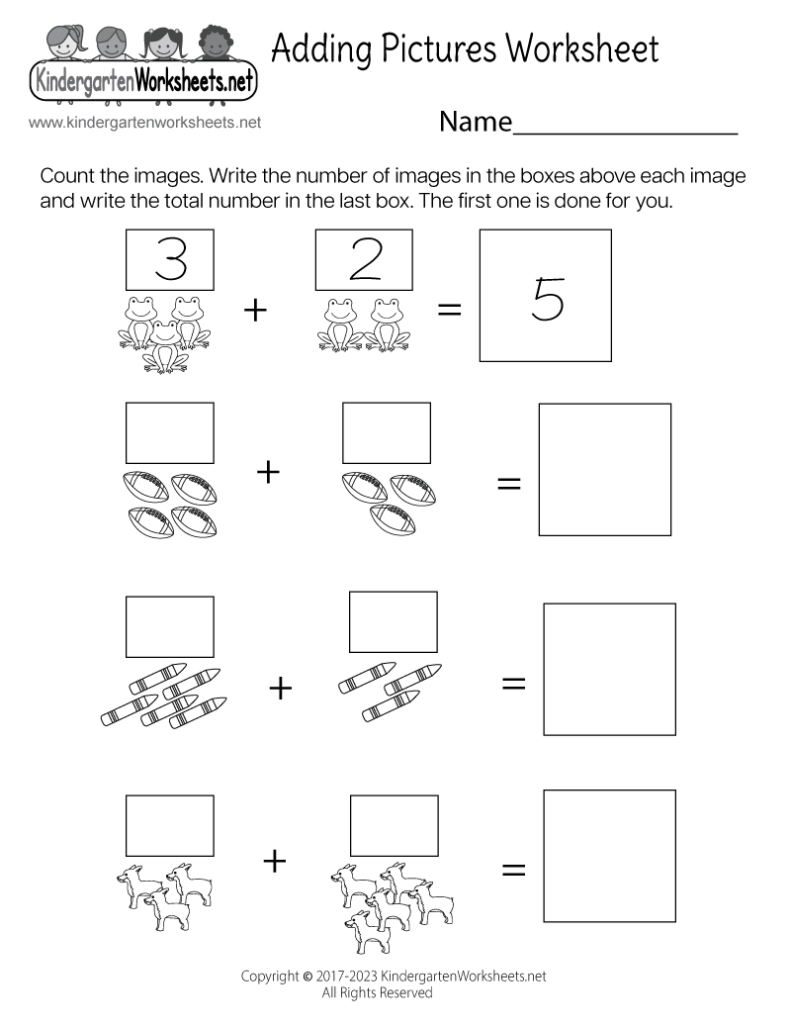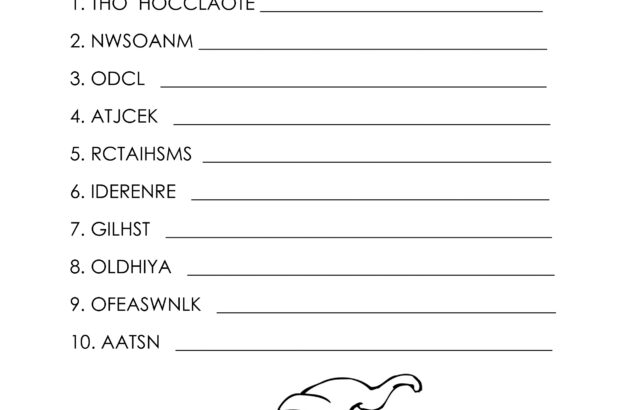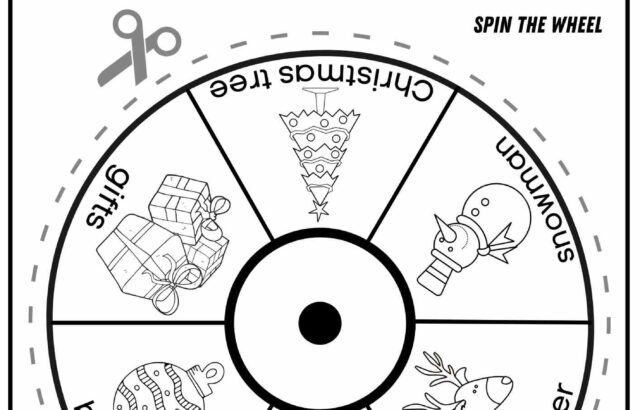
Adding pictures to a worksheet is a simple way to make directions clearer and activities more engaging for kids. Start with a blank worksheet or document, then choose images that match the task and are easy to see. The main goal is to keep the page neat: enough picture space for attention, but enough white space for reading, writing, or coloring without confusion.
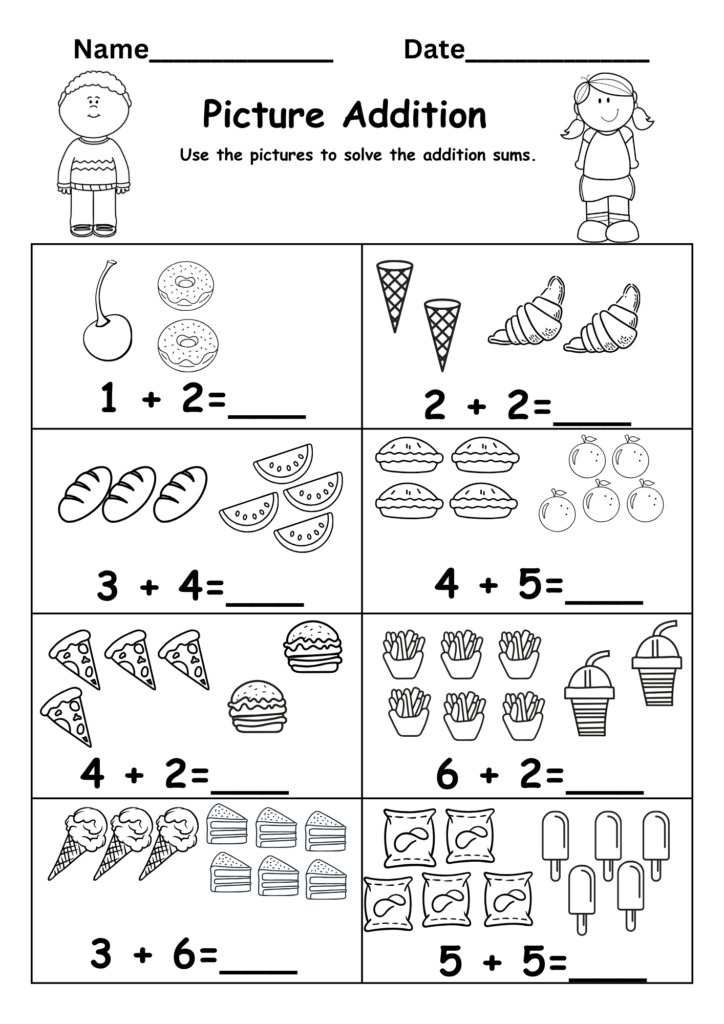
Insert the Images
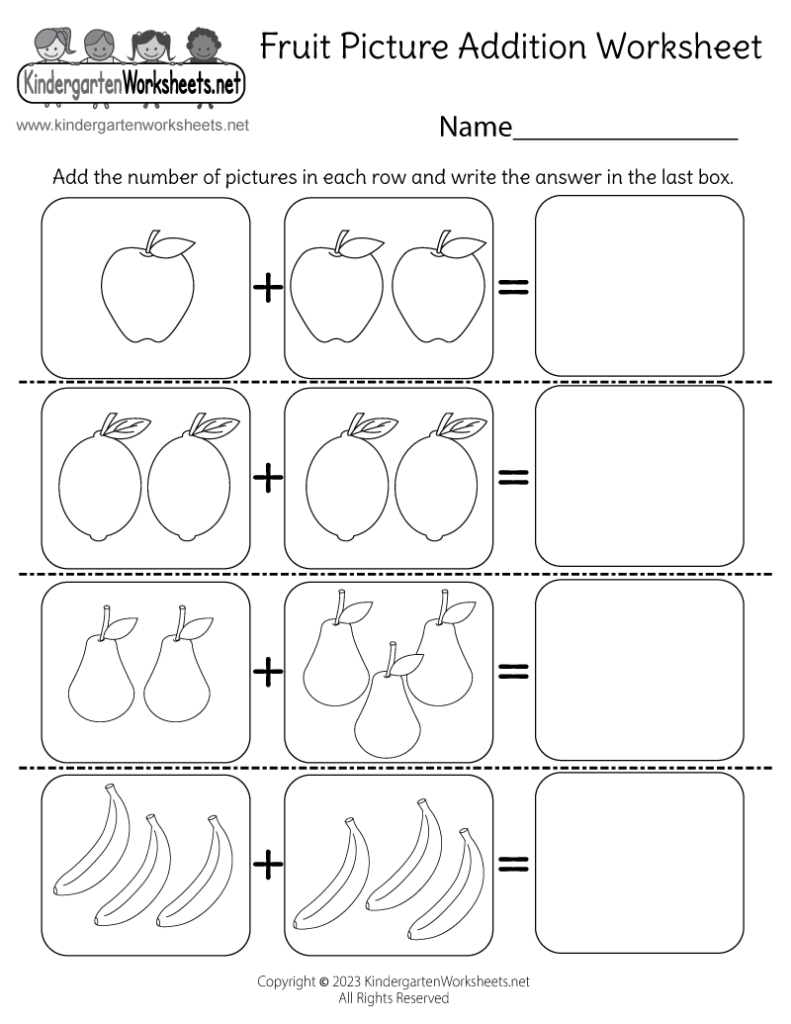
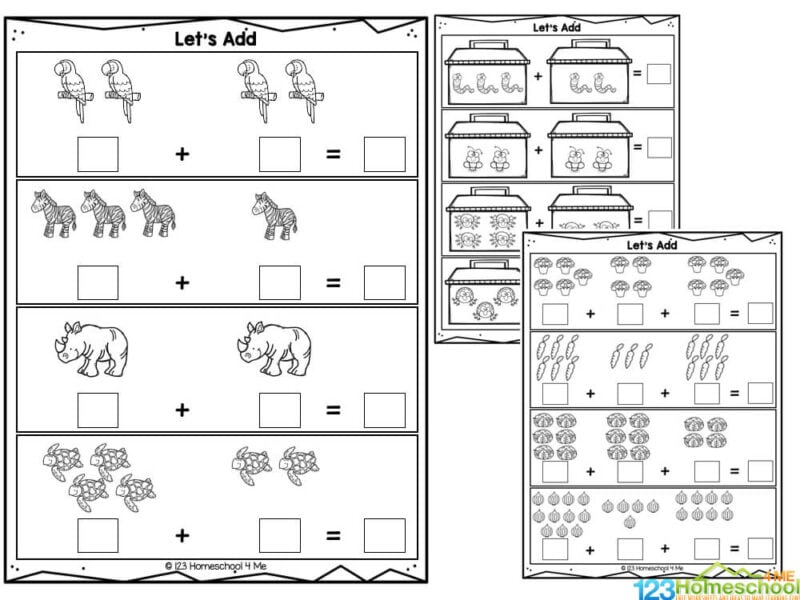
Open your worksheet in the editor you plan to use, then use the insert, image, or picture tool to place each file onto the page. Most apps let you add images from your computer, drag them in, or paste them directly. After inserting, click the picture to move it into the right spot. If the worksheet includes instructions, place the image near the related text so children can connect them quickly.
Keep It Clear
Resize each picture so it supports the worksheet instead of covering it. Small images may be hard to recognize, while oversized ones can push text off the page. Use corner handles to shrink or enlarge the image evenly, and keep the same style across the page when possible. If the worksheet has boxes, lines, or answer spaces, make sure the picture does not overlap them. Simple placement helps kids follow along without distraction.
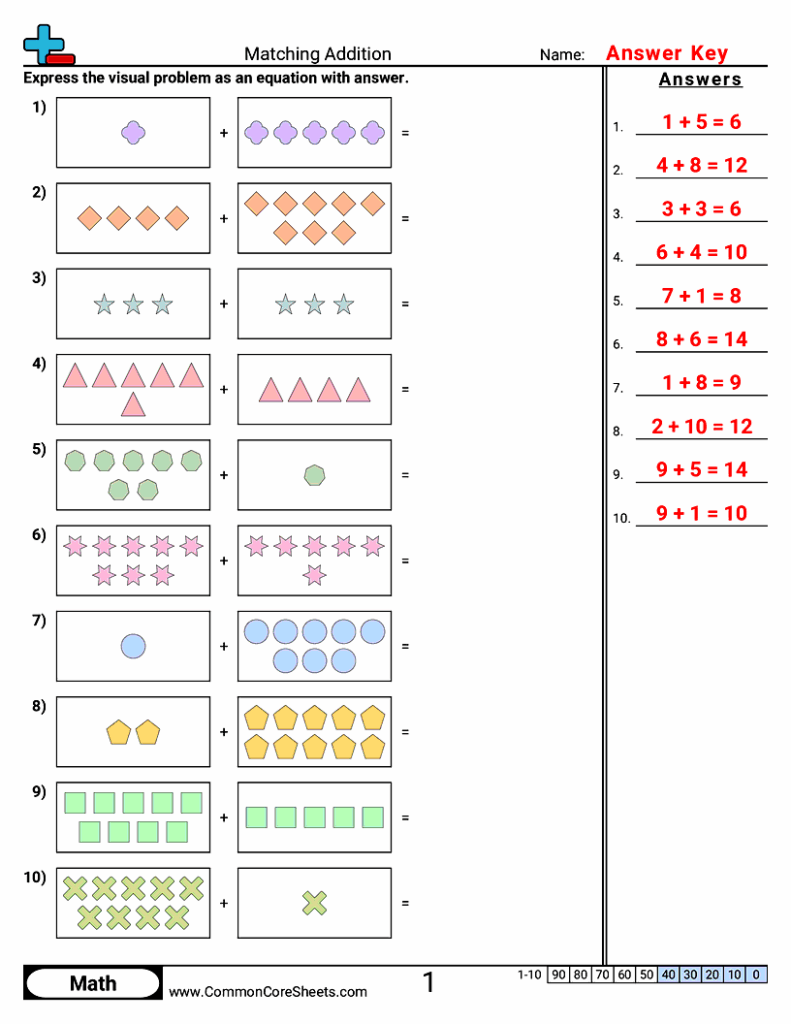
For inserting images, common formats like PNG and JPG usually work well because they are easy to place into worksheets. PNG is often useful when you want a clean edge or transparency, while JPG is fine for regular photos. Before printing or sharing, check the preview to see whether the images stay sharp and fit inside the margins. If the picture looks fuzzy, use a larger original file so the finished worksheet still prints clearly.
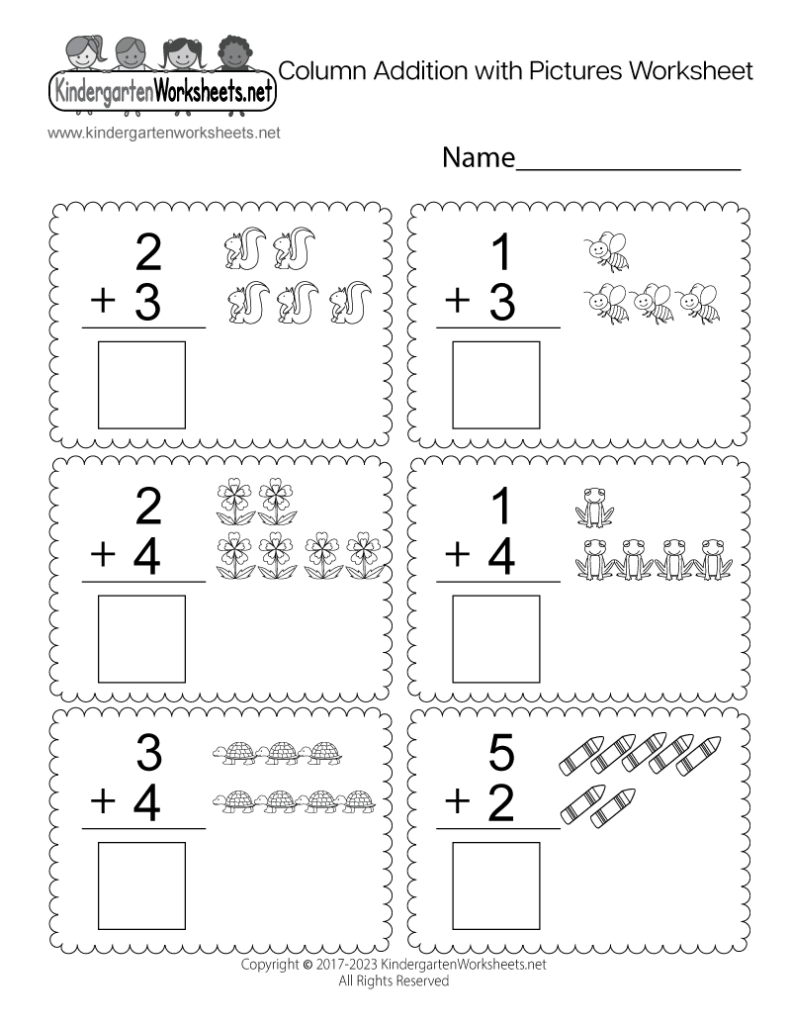
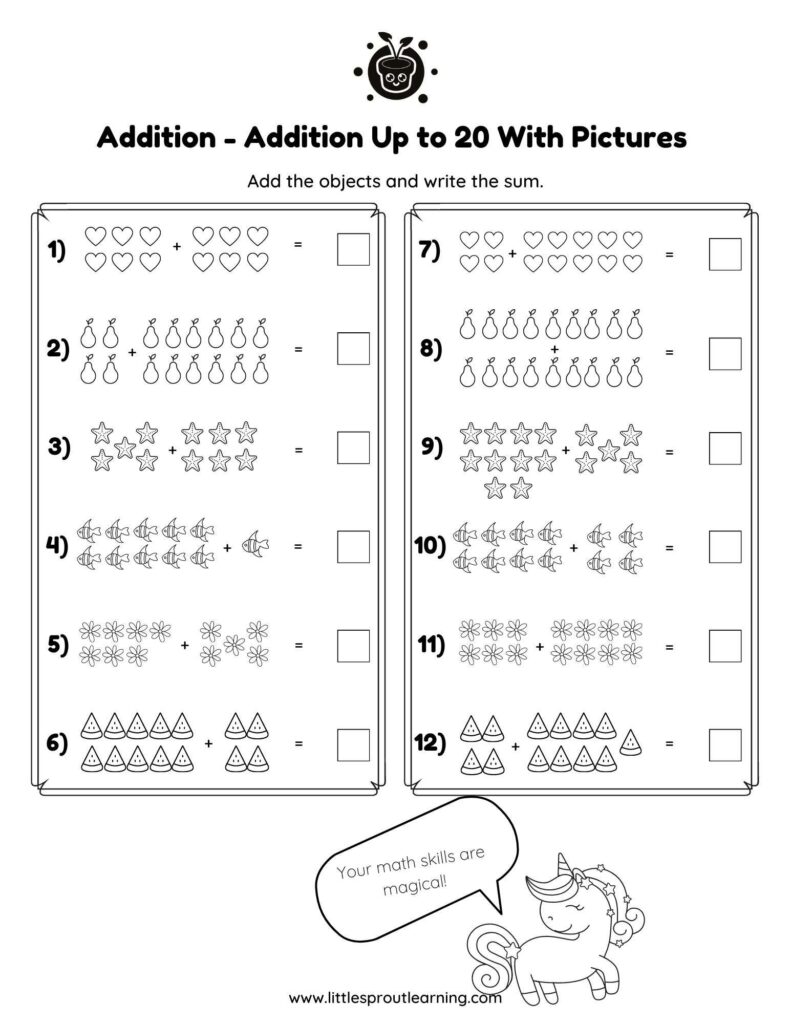
Before saving, scan the worksheet one more time for spacing, alignment, and readability. Make sure the pictures match the activity, all text is easy to read, and nothing important is hidden behind an image. If you are sharing the file digitally, export it in the format your editor recommends so the layout stays stable. A clean worksheet with well-placed pictures is easier for kids to use and simpler for adults to print or send.