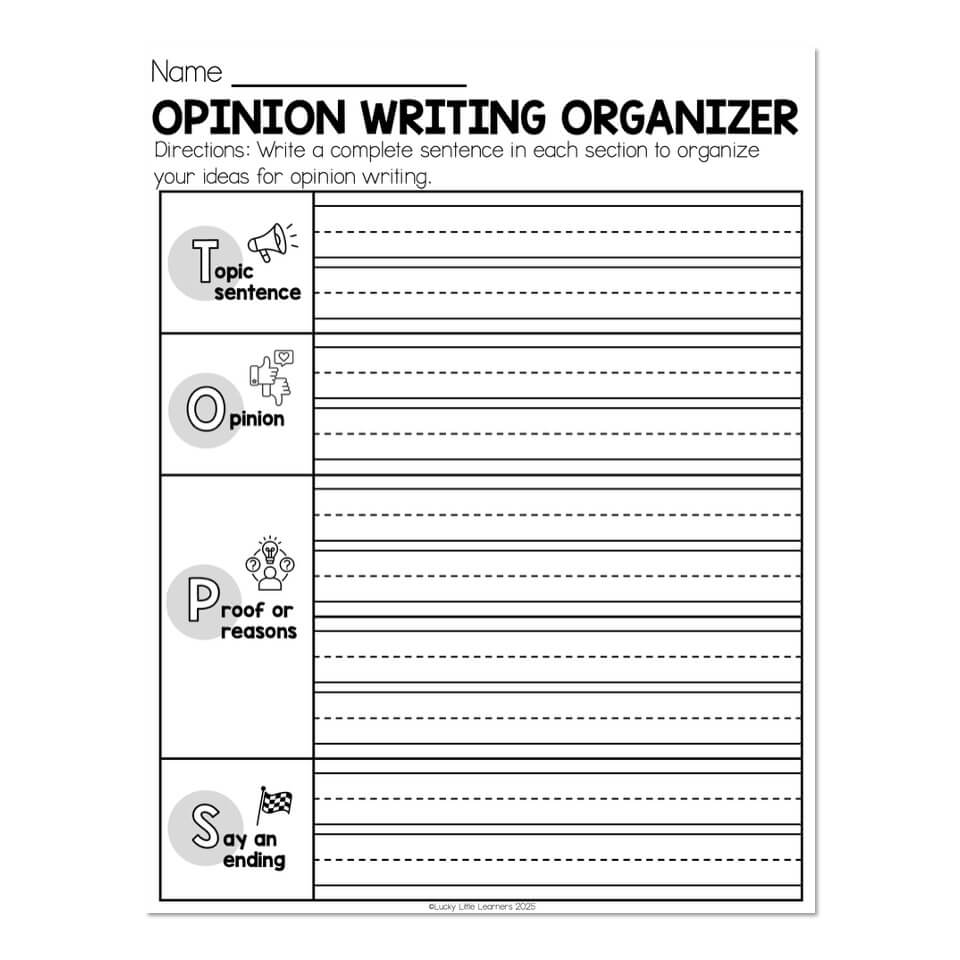
If you want to organize your writing worksheets without creating a complicated system, start with the goal: make every page easy to find, file, and reuse. A simple setup works best when worksheets are separated by purpose, stored in one clear place, and labeled in a way that makes sense at a glance. That keeps piles from building up and saves time later.
Sort by purpose
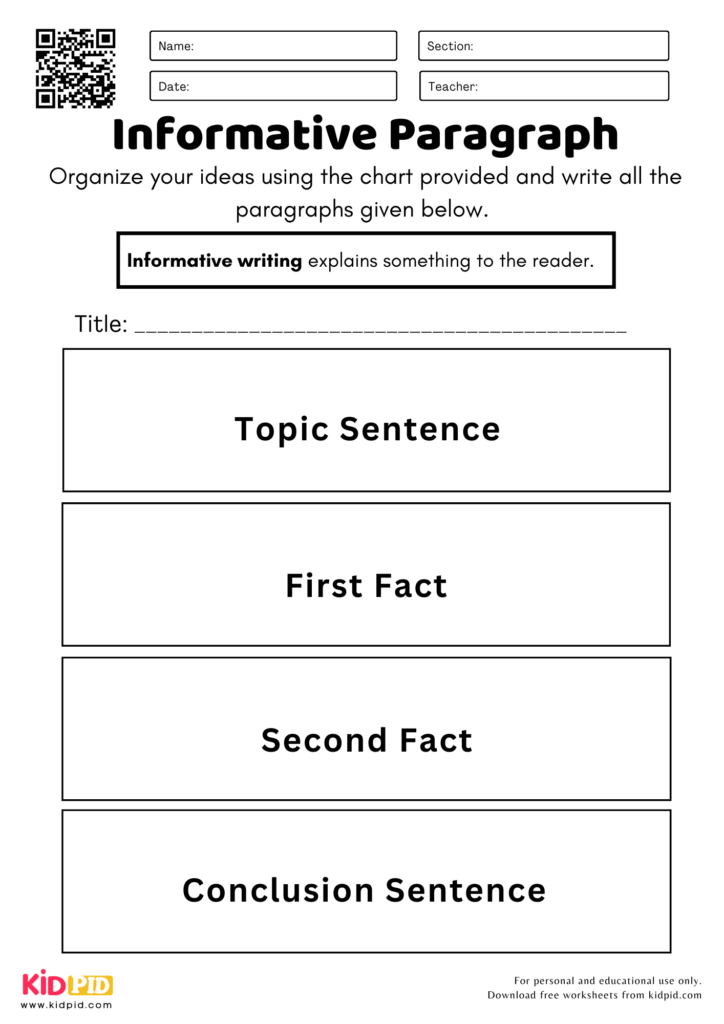
Begin by grouping worksheets into a few broad categories. Skill is often the easiest starting point: handwriting, sentence building, paragraph writing, editing, or creative prompts. You can also sort by grade level, topic, or activity type if that fits your stack better. The key is to keep the categories simple enough that you can decide quickly where each page belongs. If a worksheet could fit in two places, choose the one you will search first.
Once the groups are set, pick one storage method that matches how many worksheets you have and how often you use them. Folders work well for small sets and fast access, while binders are better if you want to keep related pages together with dividers. Trays or magazine files can hold active worksheets you reach for often, and digital folders help when you store scanned pages or PDFs. Use one main system instead of mixing several.
Label and file fast
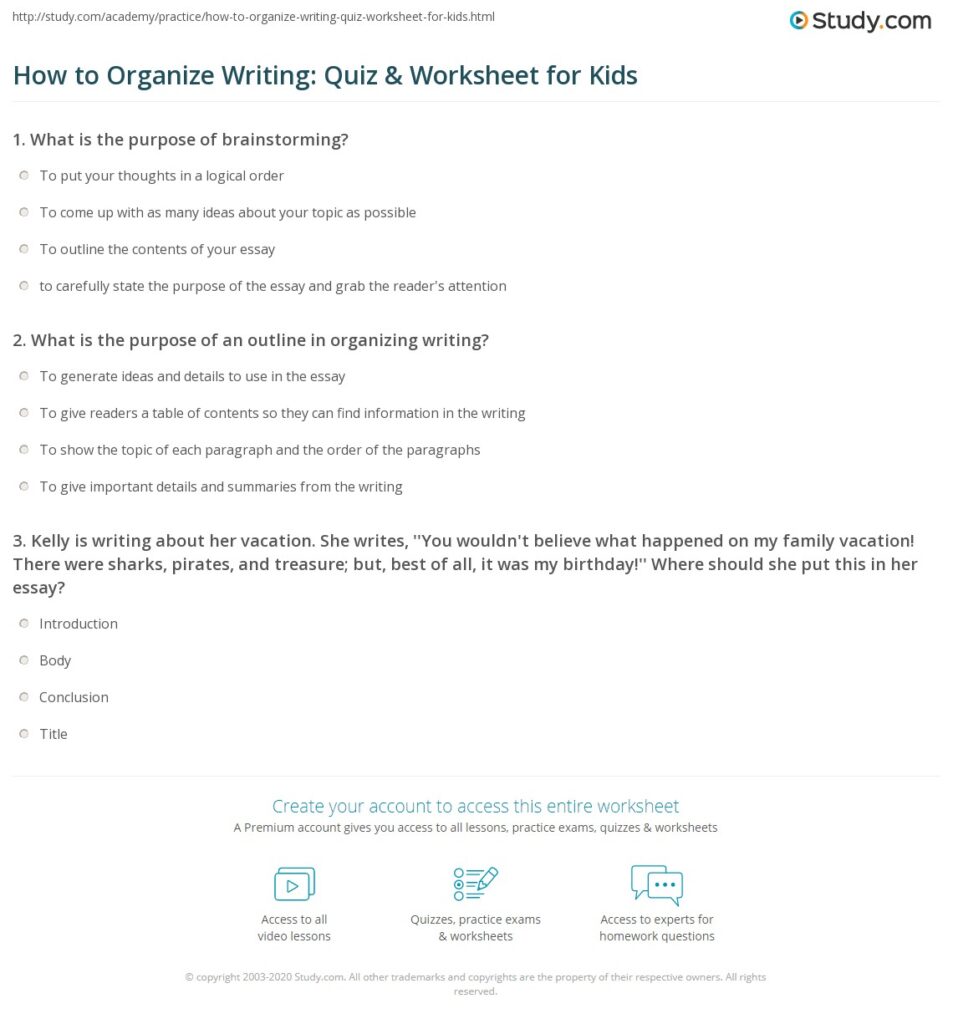
Good labels make the whole system easier to maintain. Use clear, short names like “Editing,” “Grade 2,” or “Narrative Prompts,” and keep the same order every time. If you store files digitally, add dates or short descriptors so similar worksheets do not blend together. A naming pattern such as topic plus level plus activity can be enough. For paper sets, write the category on the tab, folder, or divider so anyone can put a worksheet back in the right spot.
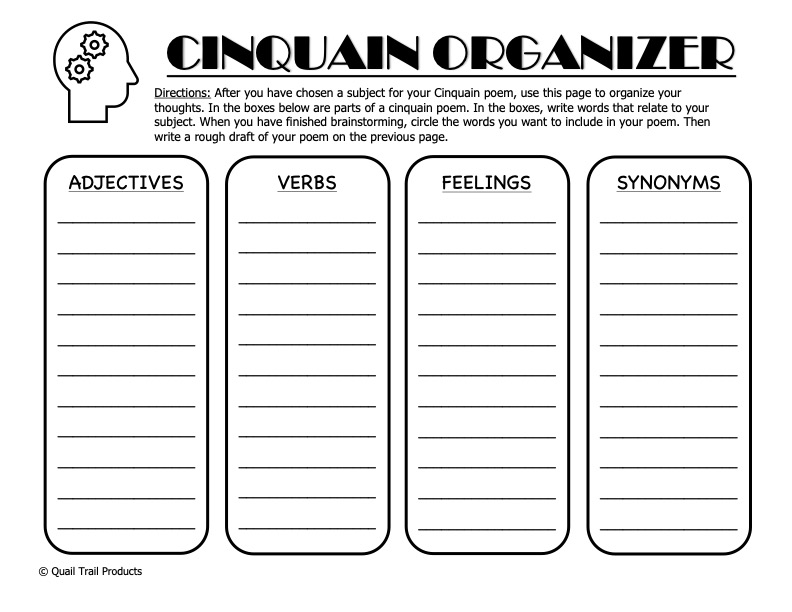
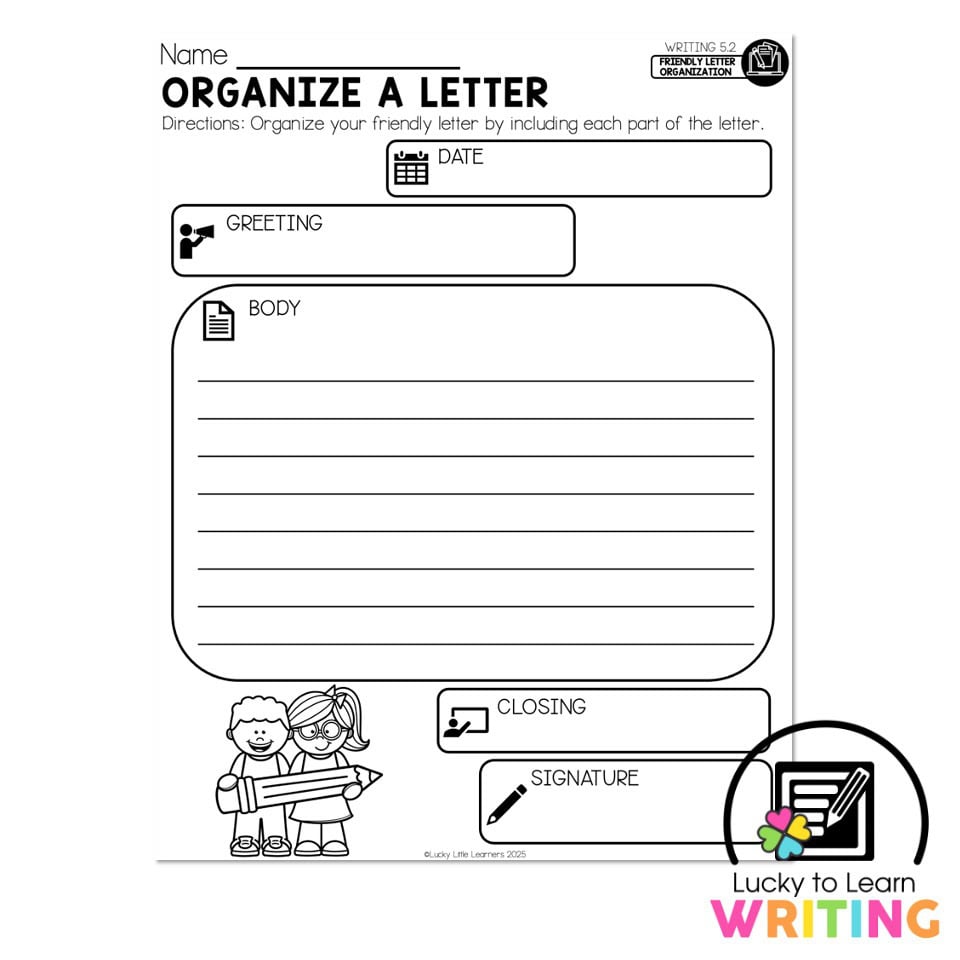
A simple routine keeps the system from falling apart. Set aside a few minutes after printing, copying, or finishing a session to file new worksheets right away. At that same time, remove duplicates, damaged pages, or worksheets that are no longer useful. If a page has not been used in a long while, move it to a back section or clear it out. Regular small resets are easier than occasional big cleanups, and they help you organize your writing worksheets with very little effort.