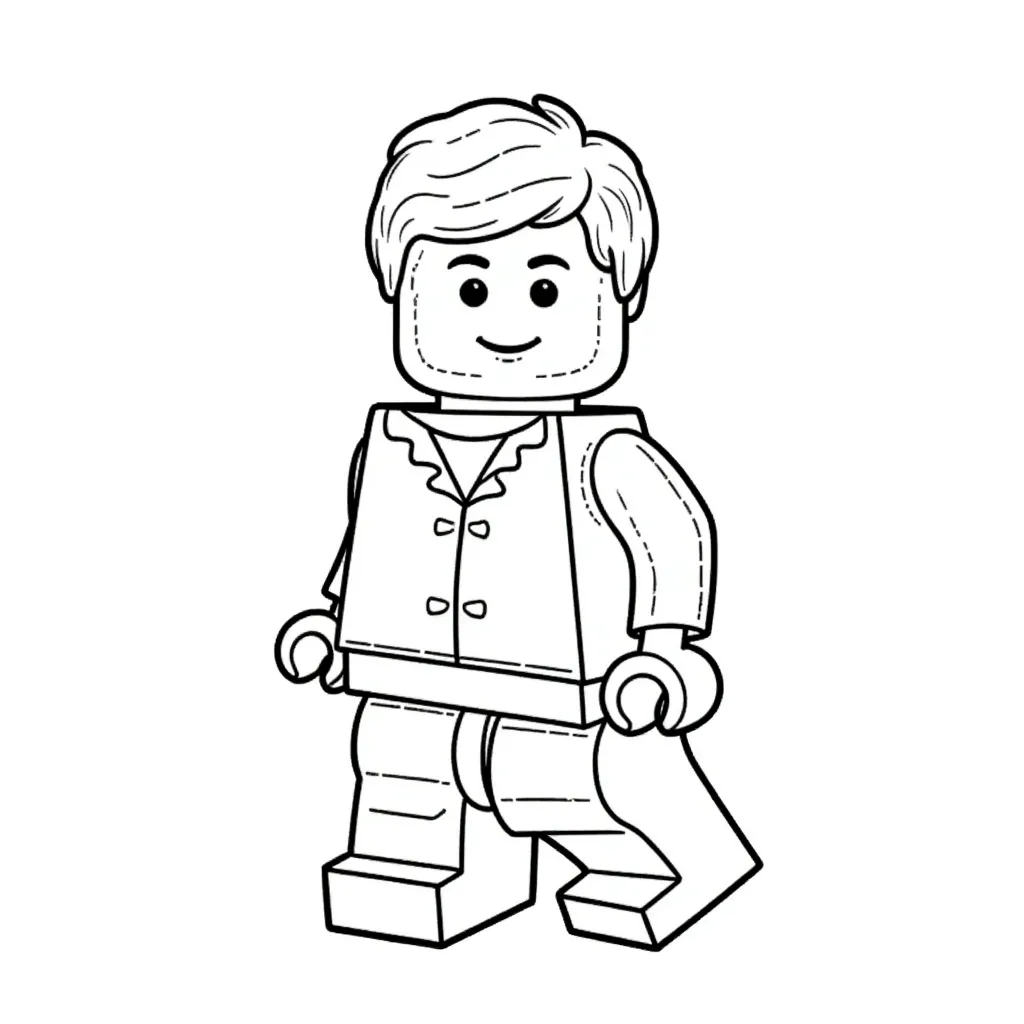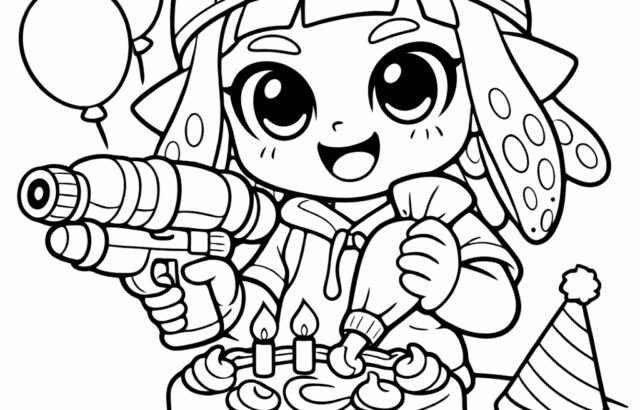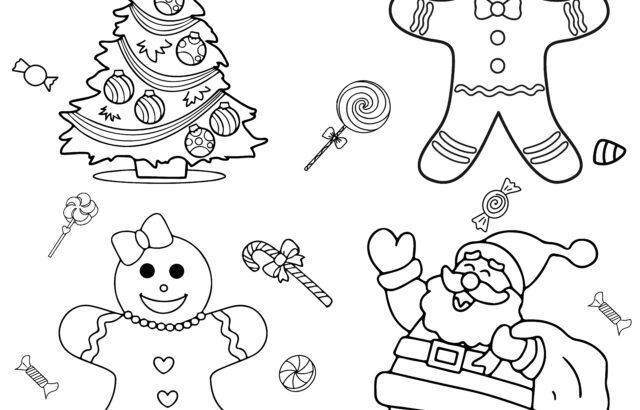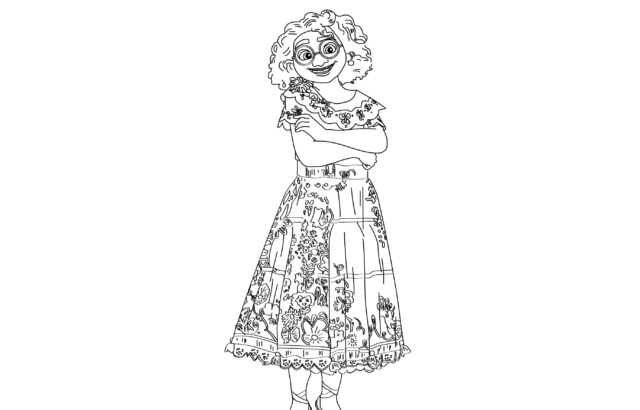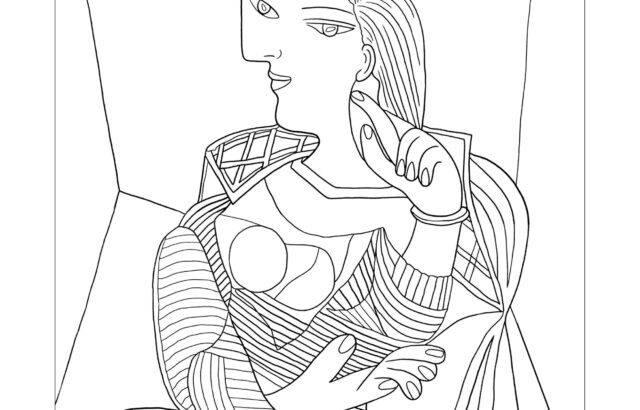
A coloring page ai generator can turn a short idea into printable line art for kids’ activities, classrooms, or quiet time at home. The goal is not just a cute image, but a page that is easy to color: clear outlines, simple shapes, and a clean white background. With the right prompt and a quick review, you can get pages that print well and feel age-appropriate.
What It Should Create
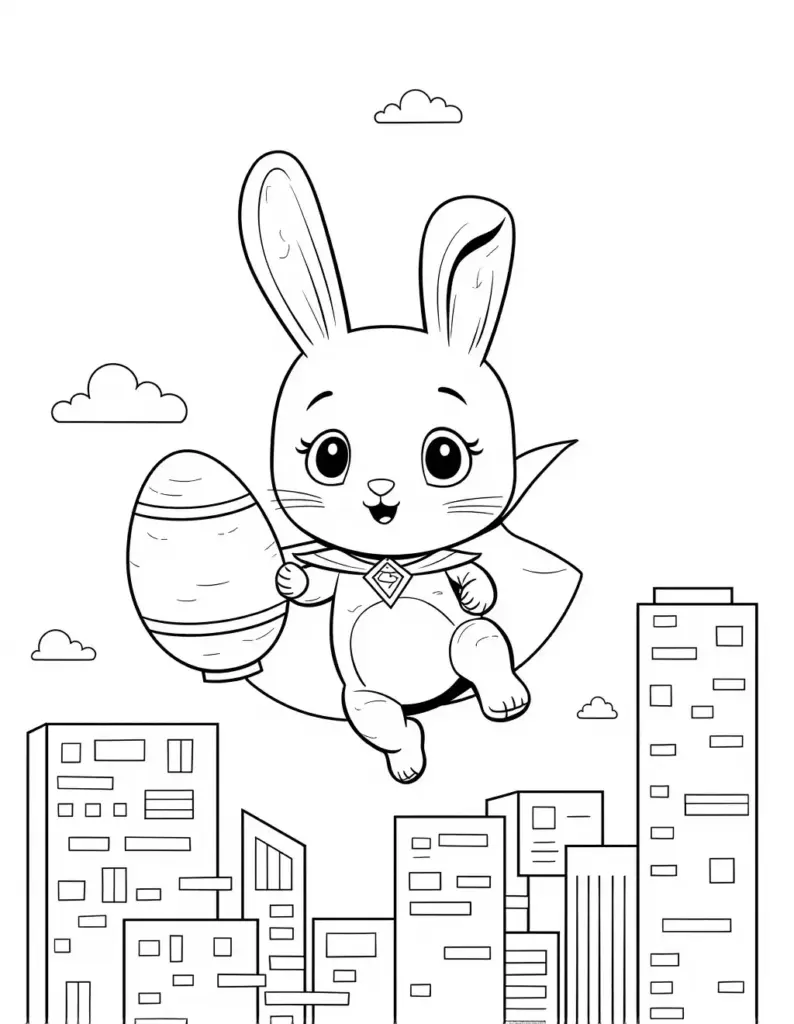
A good coloring page AI generator produces black-and-white line art, not finished illustration artwork. The best outputs usually show a single subject with bold contours, open areas for coloring, and very little background clutter. Think of prompts like “a smiling astronaut cat, simple outline, coloring page” or “friendly dinosaur, large shapes, preschool coloring page.” If the image comes back with shading, textured fills, or complex scenery, it is usually less useful for coloring. Simpler subjects tend to print cleaner and give children more room to color without frustration.
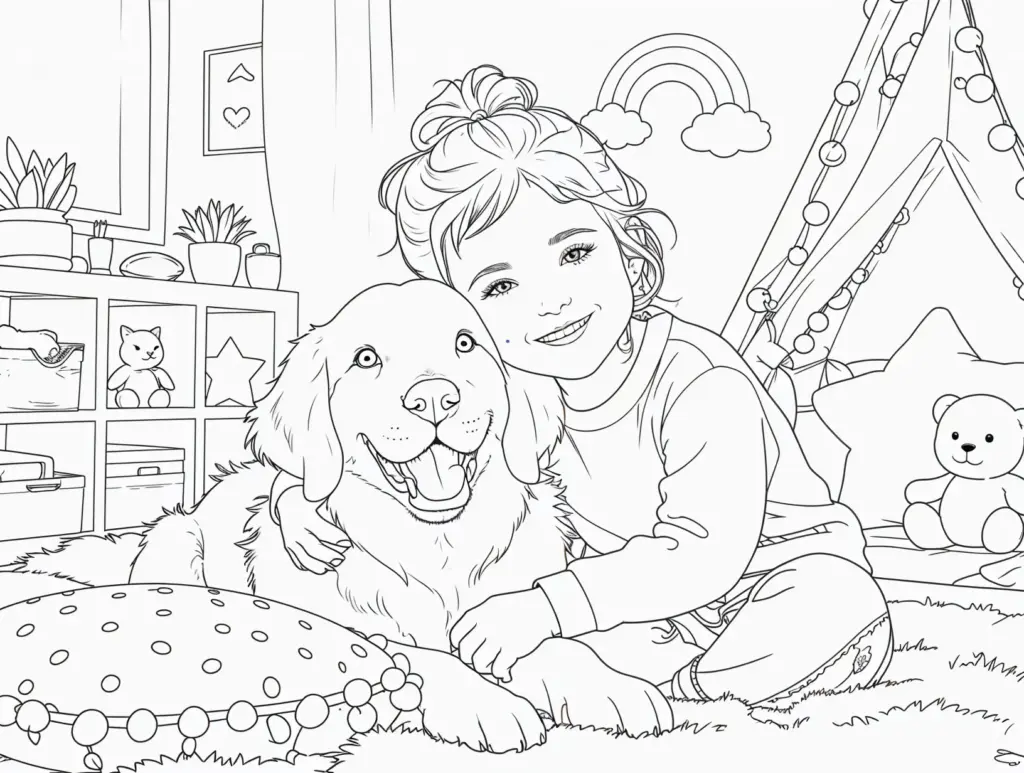
Prompt for Clean Lines
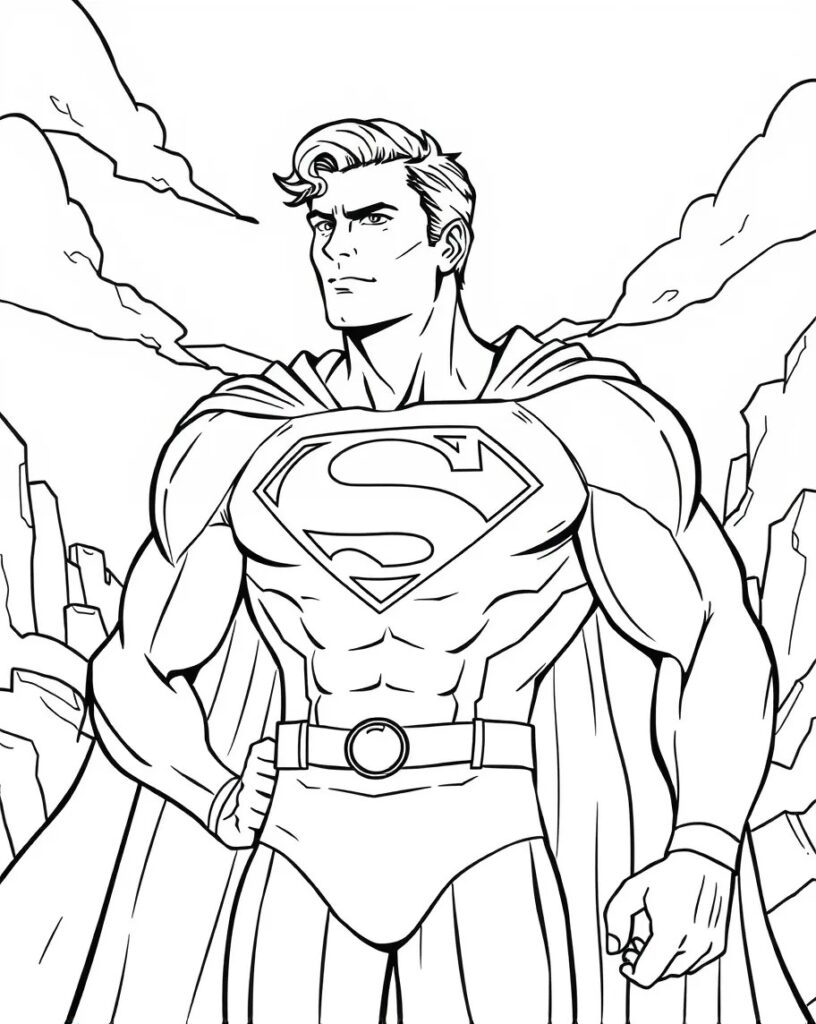
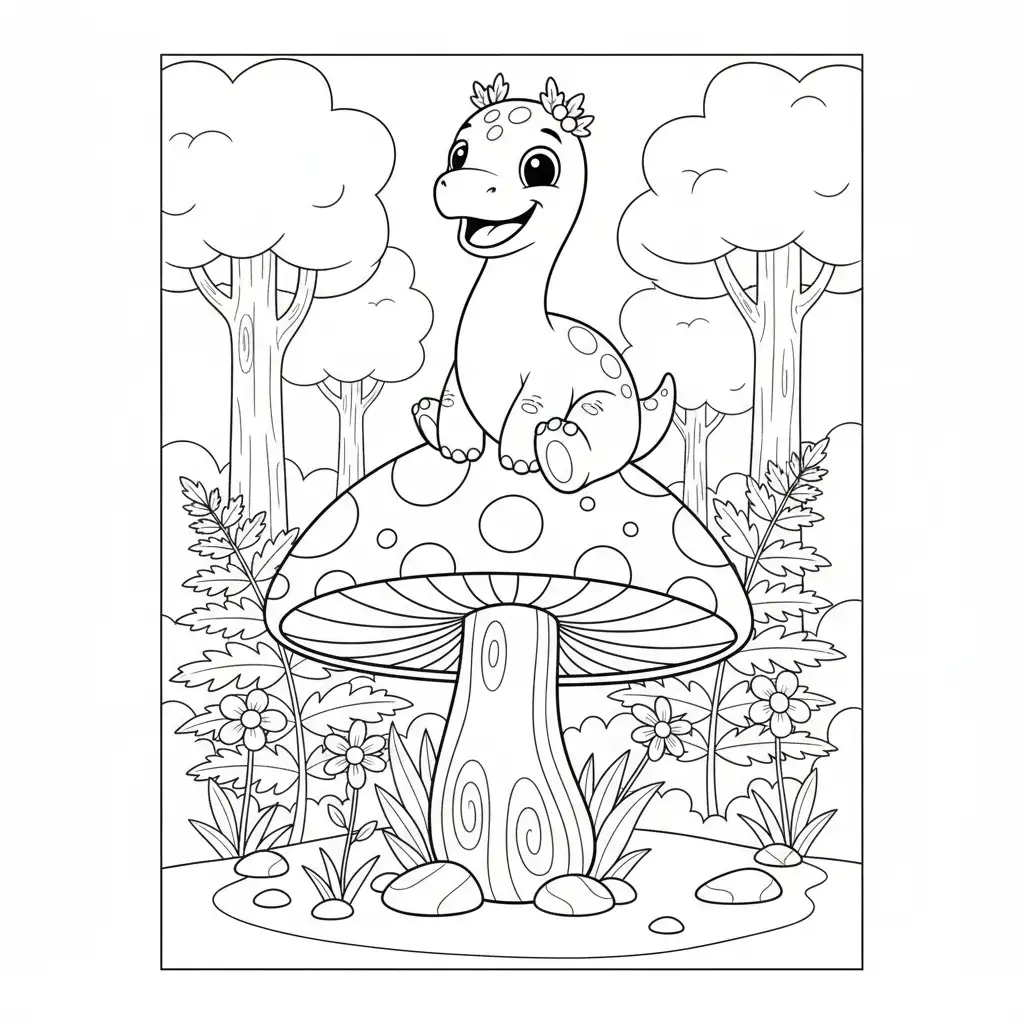
Write prompts around three needs: subject, style, and difficulty. Start with the object or character, then add “coloring page,” “simple line art,” “white background,” and “bold outlines.” For younger children, ask for “large shapes,” “minimal detail,” or “easy.” For older kids, you can add a few more details, but keep the design open and uncluttered. It also helps to specify what to avoid, such as “no shading, no grayscale, no background scene.” That keeps the result closer to a usable worksheet-style page.
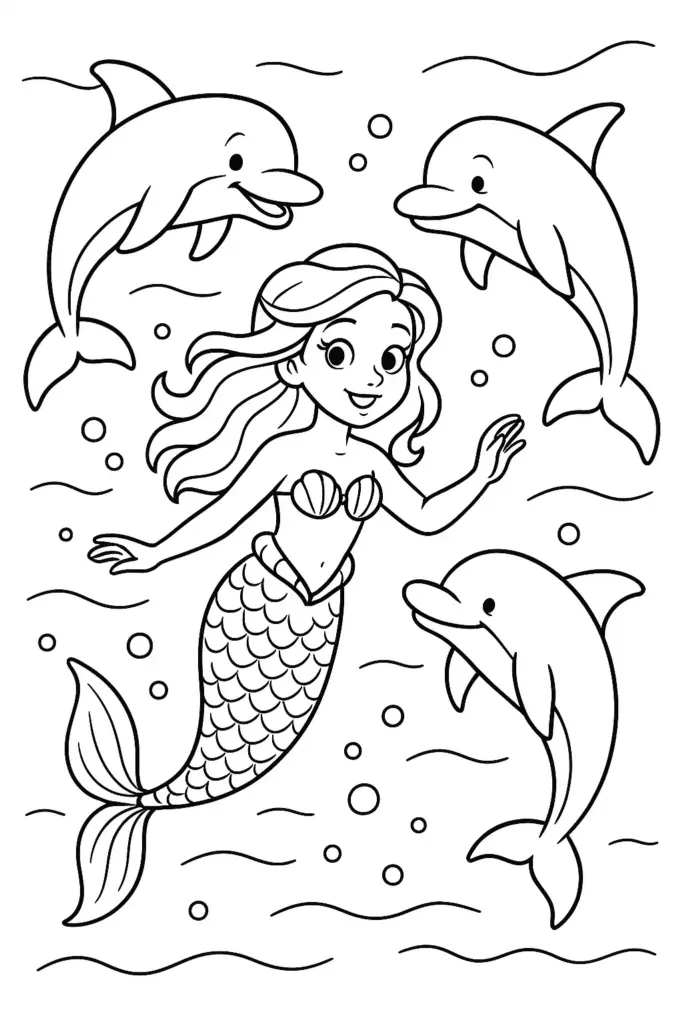
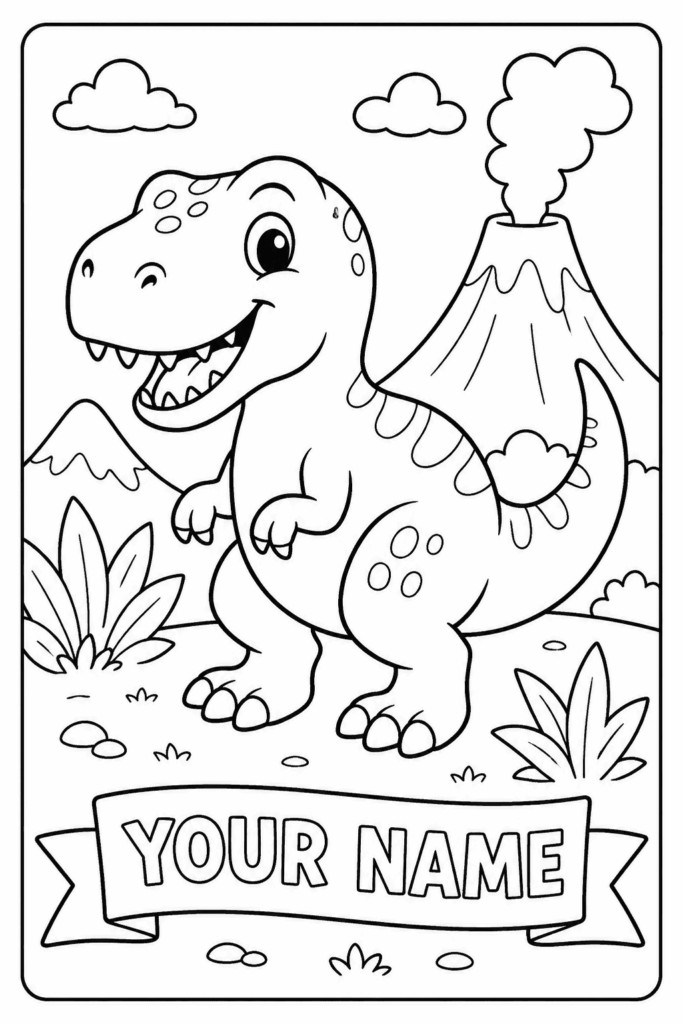
Before printing, check the page like a proof. The background should be white, the main subject should be easy to recognize, and the outlines should be dark enough to see after printing. Make sure there is no heavy shadowing or tiny texture that will disappear on paper. If the tool allows export, save a high-quality PDF or PNG and choose a standard paper size such as letter or A4, depending on your printer settings.
A quick test print is worth it, because a clean file on screen can still come out too light if the lines are thin.