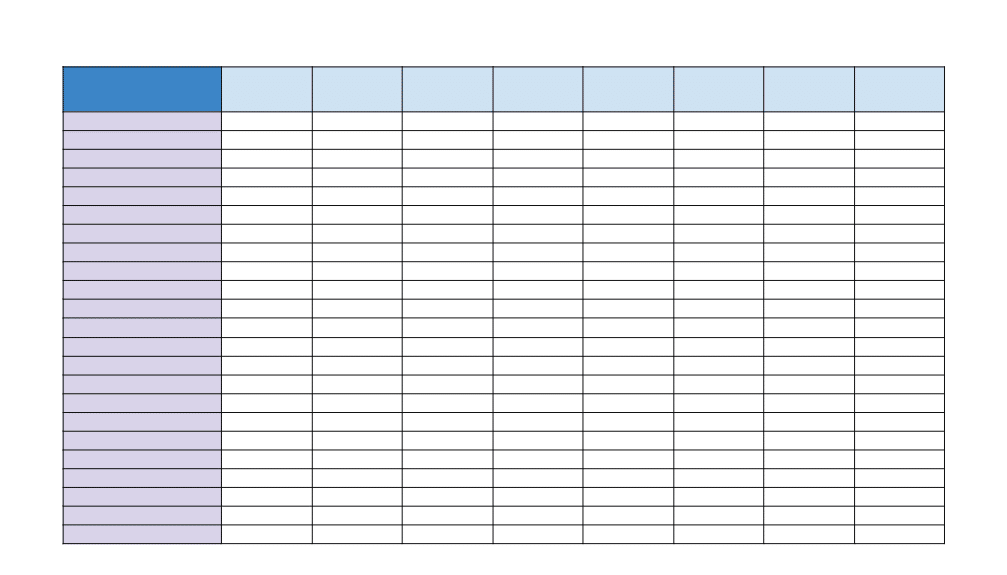
A blank excel worksheet is simply an empty spreadsheet ready for you to type, organize, and save information. It starts with rows, columns, and cells but no data, so you can build from scratch without clearing anything first. If you only need a fresh place to enter lists, notes, or simple records, opening a blank sheet is usually the fastest way to begin.
Open a Blank Sheet
In Excel, a blank worksheet usually appears when you start a new workbook. On the start screen, choose a blank workbook, and Excel opens an empty grid. If a file is already open, you can create another blank sheet or start a new workbook from the File menu. The exact labels may vary slightly by Excel version, but the idea is the same: open an empty spreadsheet area and begin working right away.
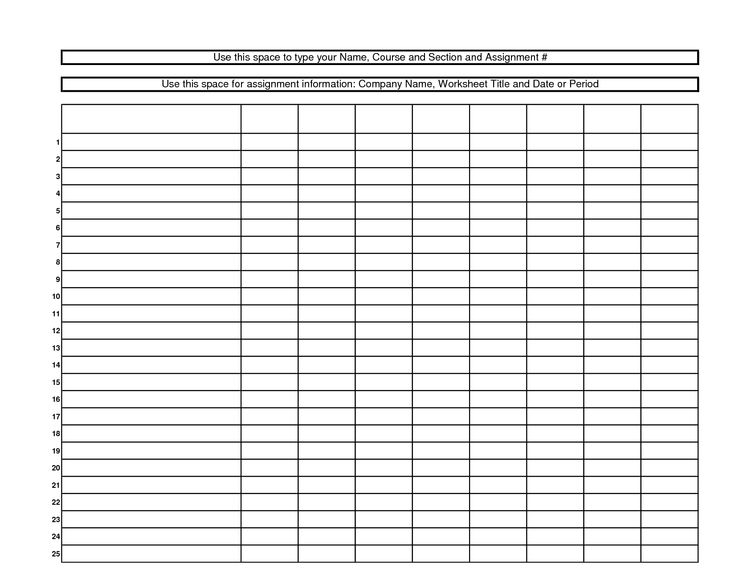
A blank worksheet is most often used for basic data entry and organization. You might type names in one column, dates in another, or make a simple list of tasks, contacts, or inventory items. Because the sheet begins empty, it is easy to arrange information in rows and columns as you go. Many people also use it for quick planning, rough calculations, or collecting information before moving it into a more detailed file.
Start Using the Sheet
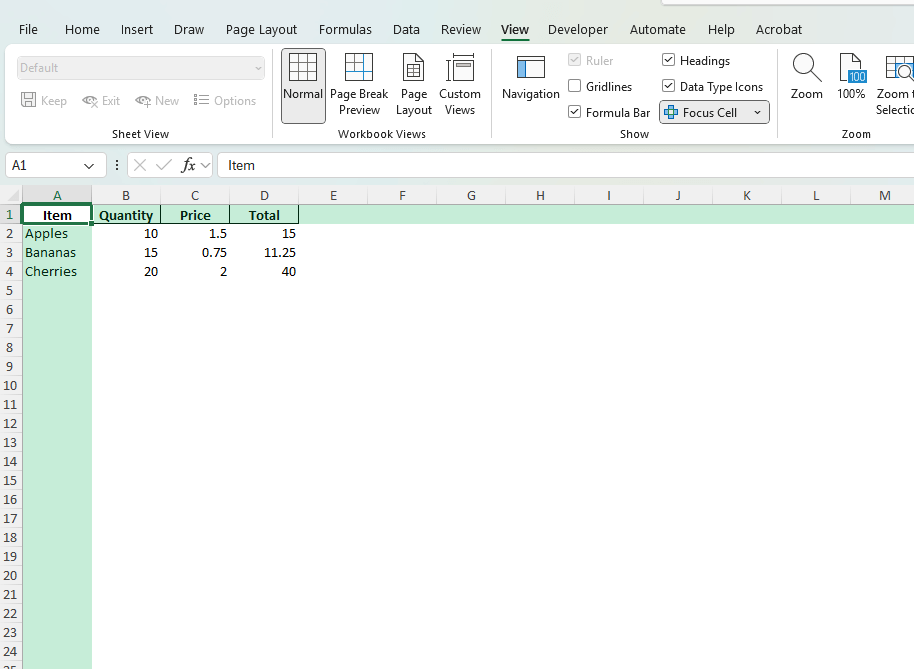
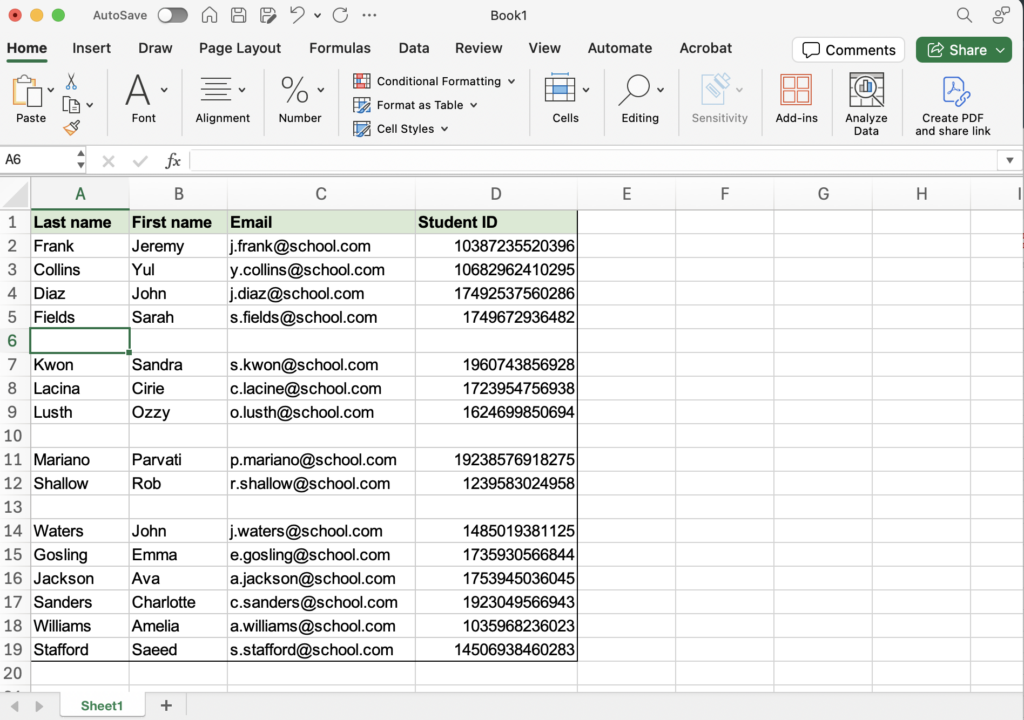
Once the blank worksheet is open, click any cell and start typing. Each cell holds one piece of information, which makes it easy to keep items separate and tidy. You can press Tab or Enter to move from cell to cell, and you can add column labels across the top before entering data below them. If needed, widen columns later so longer text is easier to read. The main goal at this stage is simply to begin entering information in a clear structure.
If you only need a simple place to work, a blank Excel worksheet is enough on its own. Open a fresh workbook, add labels if helpful, and enter your information in a clean row-and-column layout. That basic setup covers most everyday tasks without extra tools or formulas. Once the data is in place, you can save the file and return to it whenever you need to update or expand it.